
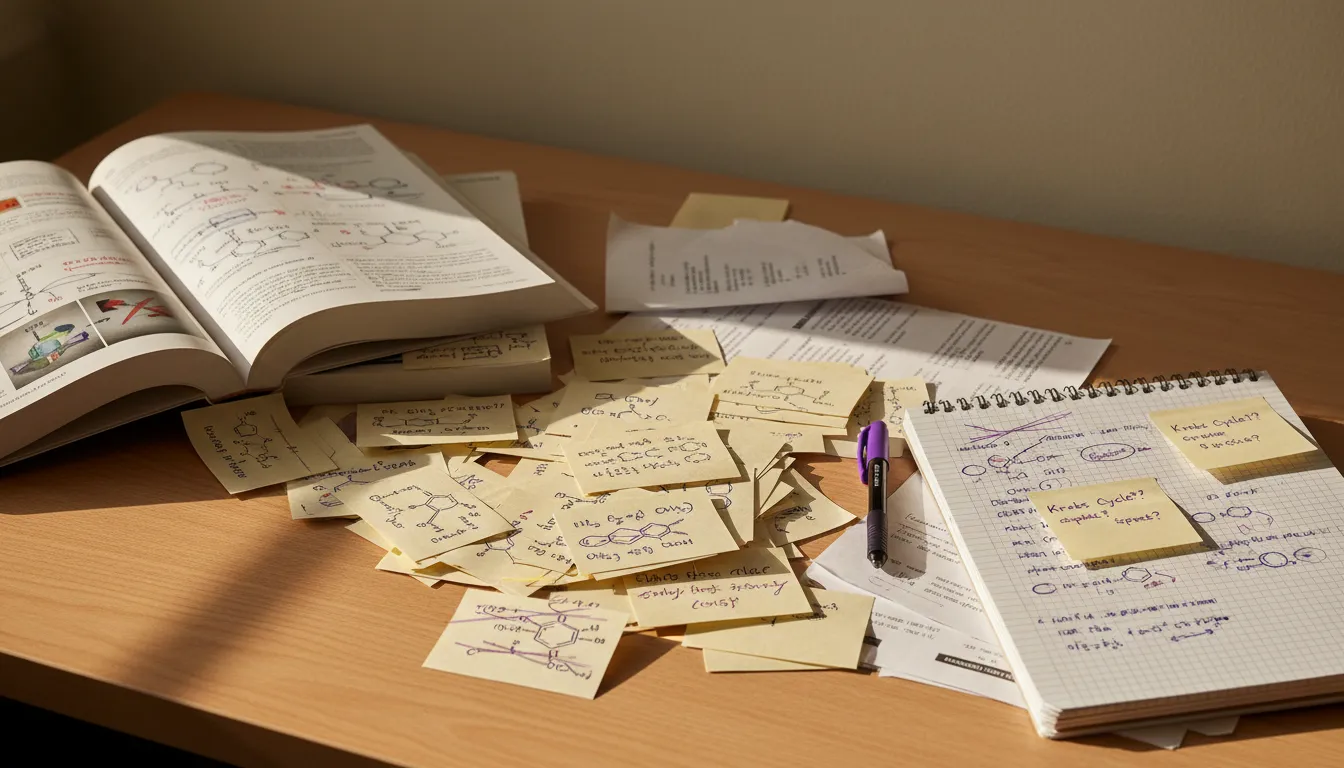
You finish a QBank block with a familiar pile: screenshots in a camera roll, unfinished Anki cards, a spreadsheet you stopped opening, and an explanation tab you mean to revisit. Each tool is holding a different part of the same mistake.
The best MCAT tools for reviewing wrong answers do more than save information. They help you identify why a question went wrong, preserve the one lesson that transfers, and create a realistic next review task. That might be a flashcard, a short error-log entry, a timed drill, or a reading checkpoint. The right choice depends on the error, not on which app looks most organized.
Here is the short answer: use Anki for compact facts and relationships you need to retrieve again. Use spreadsheets or Notion when you want a flexible manual record and can keep it simple. Use a missed-question system when you need to connect the error cause, take-home rule, and next review task in one place. Most students benefit from a hybrid rather than trying to force every MCAT wrong answer into a single tool.
What does a good MCAT incorrect-review tool need to do?
A useful review tool tells you what changes before the next block. It should make four things clear:
- What happened? Was the question wrong, guessed-right, slow-right, or correct for a shaky reason?
- Why did it happen? Was the first meaningful error a content gap, weak retrieval, stem-reading issue, logic flaw, timing problem, or CARS evidence mismatch?
- What is the transferable rule? Can you express the lesson in one short sentence that would help on a new question?
- What happens next? Does the lesson need a recall card, a focused content review, a timed drill, a reading checkpoint, or a later retest?
The AAMC’s sample-question materials connect answers to tested skills and provide explanations. That feedback still needs to become a personal next step. AAMC’s MCAT sample question guide
If a tool only captures the explanation, it can create a large archive without a practice loop. If it only schedules cards, it can miss the question-taking habit that caused the error. The strongest workflow gives each important miss a diagnosis and a destination.
Feature comparison: Anki, Notion, and LoopdMed
This table compares the core jobs students usually need after a practice block. It is not a claim that one tool should replace every other tool.
| Capability | Anki | Notion | LoopdMed |
|---|---|---|---|
| Active recall | Yes | Manual setup | Yes, from missed-question rules |
| Error categorization | Manual tags or notes | Manual properties or database fields | Built-in error taxonomy |
| Spaced repetition | Yes | Manual setup or integrations | Yes, FSRS-based adaptive scheduling |
| Dedicated mistake tracking | Manual workflow | Custom database | Yes, tied to question source and error reason |
| Pattern review | Manual tags and searches | Manual views and filters | Error-reason and review-queue workflow |
Anki and Notion can still be useful parts of a strong system. The distinction is whether you want to build and maintain the connection between the original error, the rule, and the later review task yourself.

Anki: best for active recall, weaker for why you missed the question
Anki is useful when you need to repeatedly retrieve a small unit of knowledge: an equation relationship, amino acid property, pathway step, definition, or mechanism. It asks a clean question and makes you produce the answer later, when the original passage is no longer in front of you.
That makes it a good fit for a true content gap or an unstable relationship. If you could not recall how a change in a variable affects a process, a concise card can turn the explanation into something you can test again. Research on electronic flashcards in health-professions education describes them as widely used, with outcomes that depend on how the cards are designed and used. Electronic flashcards scoping review
But an Anki card does not automatically capture the reason you chose the wrong answer. You may have known the concept but skipped except in the stem, ignored a graph condition, rushed a calculation, or picked a CARS answer that was not supported by the passage. More cards will not necessarily repair those habits.
Use Anki when the lesson is a retrievable knowledge unit
Make a card when you can phrase the repair as a short question with a stable answer. For example:
- “How does competitive inhibition affect apparent Km and Vmax?”
- “What does a positive delta G indicate about spontaneity?”
- “What distinguishes an inference from the author’s stated claim in a CARS passage?”
Avoid a card that simply asks, “Why did I miss this question?” That usually preserves the old item rather than teaching a rule you can apply elsewhere. For a deeper guide, see when an MCAT miss should become an Anki card.
Spreadsheets: flexible, but easy to abandon
Spreadsheets work because they are simple and customizable. You can sort by section, topic, date, confidence, error type, or resource. If you like seeing everything at once and are willing to update it after each block, a spreadsheet can become a useful MCAT error log.
The problem is not that spreadsheets are bad. The problem is that they make every decision manual. You must choose the columns, write the entry, filter for patterns, decide what to study next, and remember to return. As the log grows, students often add more detail but use it less.
Keep a spreadsheet lean enough to review weekly. A workable row might include only the question source, section, confidence, primary error type, one take-home rule, and next action. Do not copy the full explanation or reproduce licensed QBank material. Link back to the permitted source if you need the original context.
Use a spreadsheet if you like structure and will review it consistently
A spreadsheet is a practical choice if you already have a weekly planning habit, want full control over categories, and do not mind maintaining your own filters. It is less useful if your current problem is that review tasks keep disappearing into a list you never reopen.
Notion: organized, but manual and time-consuming
Notion can do more than a spreadsheet visually. You can create views for each MCAT section, tag content versus process errors, attach planning notes, and build a dashboard for your current week. For students who enjoy organizing their study system, that flexibility can make review feel more coherent.
Its tradeoff is the same manual burden in a nicer interface. You still have to decide what each error means, enter it consistently, surface the important entries, and turn a database view into a real recall or practice task. A polished Notion page can become another place where completed work looks organized without being retested.
Use Notion as a light record, not a reason to document every question. One sentence about why it went wrong and one next action is enough.
Use Notion if you want a manual dashboard, not an automatic review queue
Notion fits students who already use it for semester planning and can protect a short, repeatable review window. It does not replace active recall, fresh practice, or a decision about which mistake deserves attention first.
Screenshots and notes: fast capture, poor follow-through
Screenshots feel efficient because they take no effort at the moment of review. They preserve a graph, passage, calculation, or explanation you may want later. Notes can do the same thing in your own words.
The limitation is follow-through. A camera-roll folder does not tell you whether the error was content, reasoning, timing, or reading. It does not tell you what to do differently, and it does not bring the lesson back before your next full-length.
Use screenshots as a temporary reference, not as the review system. If one is worth saving, take an extra minute to write the error type and a take-home rule somewhere you will actually review. That small step turns capture into a usable study task.
A missed-question system connects the reason, rule, and review queue
A missed-question system is designed for the gap between “I saw the explanation” and “I made a different decision next time.” Instead of sorting only by subject, it records the cause of the miss and routes the lesson to the appropriate repair.
For example, a student misses a Biology/Biochemistry question about enzyme inhibition. They remember the broad relationship, but select an answer before checking the experimental result. The fix has two parts: one compact recall card for the mechanism and one passage-logic tag with the rule, “State what the data show before selecting a mechanism.”
That distinction is important. The card tests whether the student can retrieve the relationship. The tag and rule test whether they use it correctly when the next passage adds unfamiliar data. LoopdMed’s Error Taxonomy helps keep those diagnoses consistent across science and CARS work.
A concrete LoopdMed workflow after one incorrect answer
After a timed Chem/Phys block, Maya logs a permitted screenshot or short personal summary in LoopdMed and records the QBank, section, and topic. She identifies the primary failure as a logic flaw: she recognized a familiar enzyme term and chose before comparing the condition shown in the data.
She then distills the explanation into one rule: “For inhibition questions, compare the observed changes in apparent Km and Vmax before naming the mechanism.” LoopdMed keeps that error reason beside the rule, turns it into an active-recall review item, and places it in an FSRS-based queue that adapts as she reviews. On the next due review, Maya has to state the relationship without the original passage; on a later science block, she checks whether the same premature-pattern-match tag returns.
The workflow does not replace new practice questions. It makes the result of an old question usable: capture the miss, name the failure, extract one rule, retrieve it later, then test the repair on fresh material. That is the product difference between a saved explanation and a connected review loop.

What a useful missed-question entry looks like
| Field | Example |
|---|---|
| Source | Timed Chem/Phys QBank block, passage question |
| Confidence | Wrong, but felt confident because the term was familiar |
| Primary error | Passage logic: selected from memory before matching the experimental condition |
| Take-home rule | State the result of the data before choosing a mechanism |
| Next action | Add one concise recall card and use a data-first checkpoint in the next timed science block |
The point is a short queue of tasks you can finish and retest. LoopdMed’s Missed Question Log keeps the source, diagnosis, rule, and next action together without asking you to copy the original question.
Which MCAT review tool fits your workflow?
No single tool wins every job. Use this quick comparison to choose the simplest system that addresses your actual bottleneck.
| Use this tool if… | Best fit | Why |
|---|---|---|
| You cannot retrieve facts, pathways, equations, or small relationships | Anki | It gives you repeated active-recall prompts over time. |
| You want a low-cost, customizable record and will maintain it weekly | Spreadsheet | It can surface topics and patterns when you keep the fields short. |
| You enjoy building dashboards and want a central planning workspace | Notion | It can organize manual views for sections, tags, and weekly plans. |
| Your errors are scattered across cards, screenshots, and notes, or you keep repeating reasoning mistakes | Missed-question system | It links the error cause to one rule and a focused next review task. |
| A miss has both an unstable fact and a process mistake | Hybrid workflow | It sends the fact to recall and the behavior to a targeted drill. |
For most students, a hybrid is the practical answer: use a card for a fact that needs retrieval, then use an error log for the process that caused the question to go wrong. FSRS spaced repetition can help schedule recall tasks, but scheduling is most valuable after you have chosen the right lesson to review.
A simple MCAT wrong-answer review workflow
After a QBank block or full-length section, follow this sequence:
- Flag priority questions. Start with wrong, guessed-right, slow-right, and uncertain-right questions. You do not need to give every secure correct answer equal review time. This guide explains how to prioritize correct answers.
- Diagnose the first meaningful failure. Label it content, retrieval, stem reading, logic, timing, or CARS evidence.
- Write one take-home rule. Keep it short enough to use on a fresh question.
- Choose the repair. Send a knowledge unit to Anki or another recall prompt. Send a process problem to a reading checkpoint, timing adjustment, or targeted drill.
- Review patterns once a week. Repeated tags deserve your next study block. One-off errors may only need monitoring.
- Retest on new material. Understanding the explanation is not the endpoint. The real check is whether your next decision changes.
This is a practical workflow recommendation, not a score guarantee. A systematic review in health-professions education found benefits for retrieval practice and/or distributed practice in 43 of 63 included experiments, although interventions varied. Retrieval and distributed-practice systematic review
Choose the tool that gives your mistakes a next step
Anki is useful for durable recall. Spreadsheets and Notion can work when you want a manual record. Screenshots help preserve context. But none of them helps much if every incorrect answer ends in a pile you never revisit.
If your incorrects are scattered across screenshots, notes, and cards you may never revisit, LoopdMed gives each missed question a clear path: why it happened, what to remember, and when to review it. Your review queue becomes a focused list of what still needs work, not a larger archive of old explanations.